
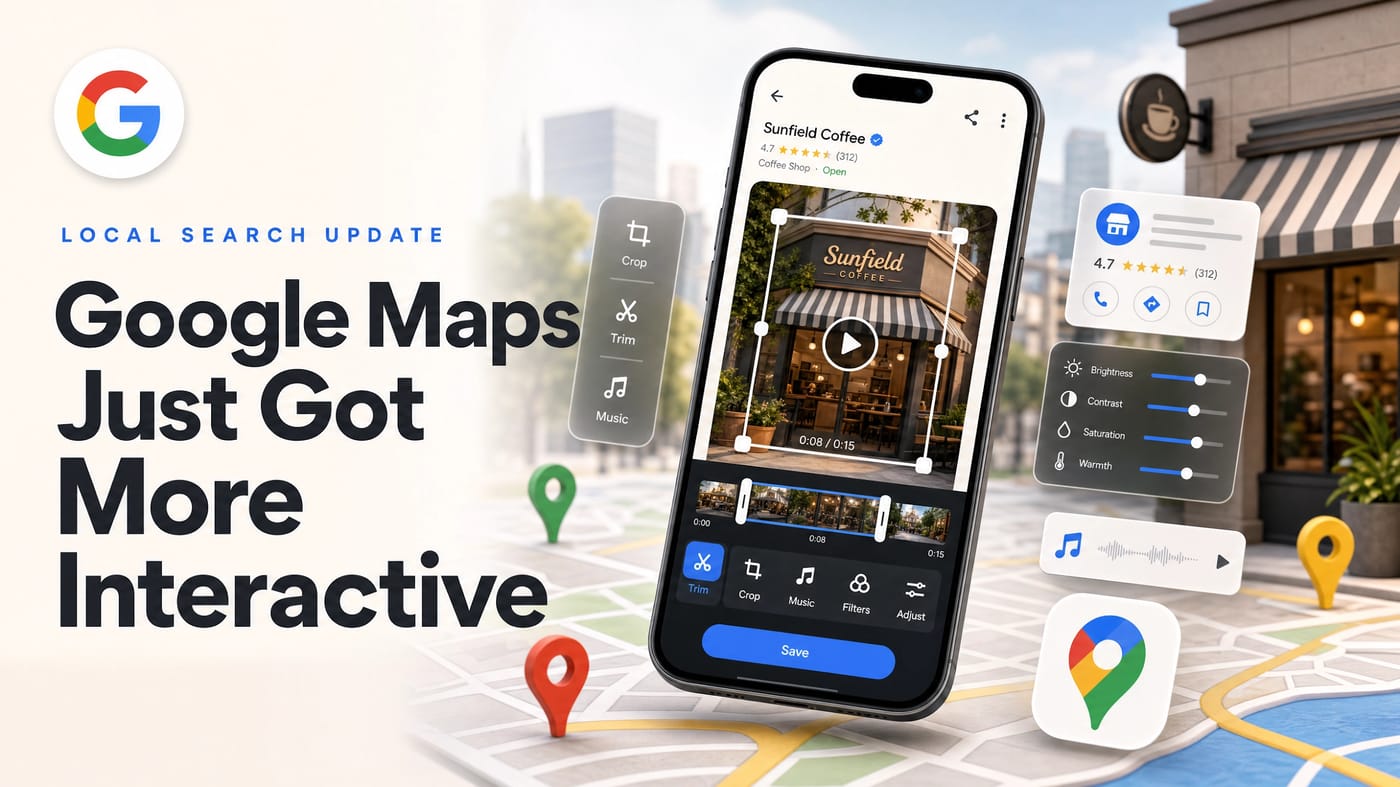
Google Maps Just Got More Interactive
Google Maps is testing an in-app video editor that could help local businesses create more active, visual, and trustworthy Google Business Profiles — without any third-party tools required.
A new in-app video editing tool is being introduced by Google Maps (as of April 2026), which represents a substantial change for local businesses seeking to increase their visibility. This feature, being tested on Android, enables business owners to edit videos directly within the Google Maps app before publishing them to their profile — eliminating the need for third-party software. For businesses already investing in local SEO, this is one more lever to pull.
The Implications for Local Visibility
This update transforms Google Business Profiles into content centers that are more engaging and reminiscent of social media, moving away from static, text-heavy listings. It's part of a broader trend: Google increasingly rewards businesses that treat their online presence as a living, active thing — not a one-time setup. That same mindset applies to your website, your SEO strategy, and now your Maps profile.
- Enhanced Engagement: Videos that depict the atmosphere, product, or team members are more likely to stop consumers from scrolling, resulting in more authentic and visually compelling profiles.
- Improved Local Search Rankings: Consistent use of video tools signals to Google that a profile is active and high-quality, enhancing visibility in the local map pack. This works in parallel with other local SEO signals like citations, reviews, and on-page optimization.
- Enhanced Trust and Conversion: Authentic videos — such as walkthroughs, project showcases, or virtual tours — humanize the brand, build trust, and increase the likelihood of foot traffic or phone calls. Trust built through video complements the trust built through a professional business website.
- AI-Driven Recommendation Alignment: Google's AI analyzes text, captions, and audio in Maps videos to match listings to more specific search queries. A well-labeled 15-second film of your service or space is performing indexing work, not just marketing work — similar to how structured web development and schema markup help Google understand your pages.
How to Use the New Tool
- Open the Google Maps application.
- Access your business profile.
- Select "Add a Photo" (or "Add Video" if prompted).
- Choose your video.
- At the base of the video preview, select the "Edit" icon.
- Utilize the in-app tools (music, filter, crop, trim) to edit.
- Post the finalized video.
Key Features of the New Video Editor
- Direct Editing: Apply filters, alter audio, crop the frame, add music, and trim the video length — all within the app.
- Simplified Process: The editing tool is immediately accessible by tapping "Add a Photo," selecting a video, and tapping the "Edit" icon.
- Enhanced Content Creation: It promotes the creation of dynamic, social-media-style content that enables a more refined presentation of products or services directly on the map listing. When paired with a conversion-focused website, video content in your GBP profile creates a seamless path from discovery to inquiry.
Who Should Use This Right Now
- Small business owners who want Reels-style content on their Maps profile without hiring a social media manager or acquiring a separate editing tool. If your business doesn't have an active local SEO plan in place yet, GBP video is a fast-moving first step.
- Service providers — plumbers, contractors, landscapers, detailers — for whom before-and-after documentation is a natural part of the job. Recording a brief video of a job site and uploading it directly to your Maps profile now functions as both local search content and social proof. A strong portfolio on your website and video on your Maps profile work together to build credibility.
- Multi-location brands looking to keep each profile active and visually fresh with minimal overhead. For brands managing multiple digital touchpoints, a full-service partner can help connect GBP activity to your broader marketing picture.
In Conclusion
Local search is currently being rewarded by Google for freshness, and video content is being read rather than merely displayed. Consistently publishing one short video per week — without utilizing any advertising — remains one of the most direct routes to enhanced Map Pack visibility. If you have been intending to incorporate video into your business profile but have not yet done so, this removal of editing friction is worth acting on now. To learn more about building a local presence that performs, talk to the Ruby Shore team or read more from our Insights library.
Want to get more visibility from your Google Business Profile?
Ruby Shore helps businesses build and maintain a local presence that shows up where customers are searching.